
My father in law gave me one, for Christmas, along with a bunch of goodies to tinker with.
Toys used so far:
- Raspberry Pi 3,Model B, 1gb RAM
- Kuman 5 inch Resistive Touch Screen 800x480 HDMI TFT LCD Display
- Kuman RPI Powerpack v1.2
- Rii H9S Mini 2.4Ghz Wireless Keyboard
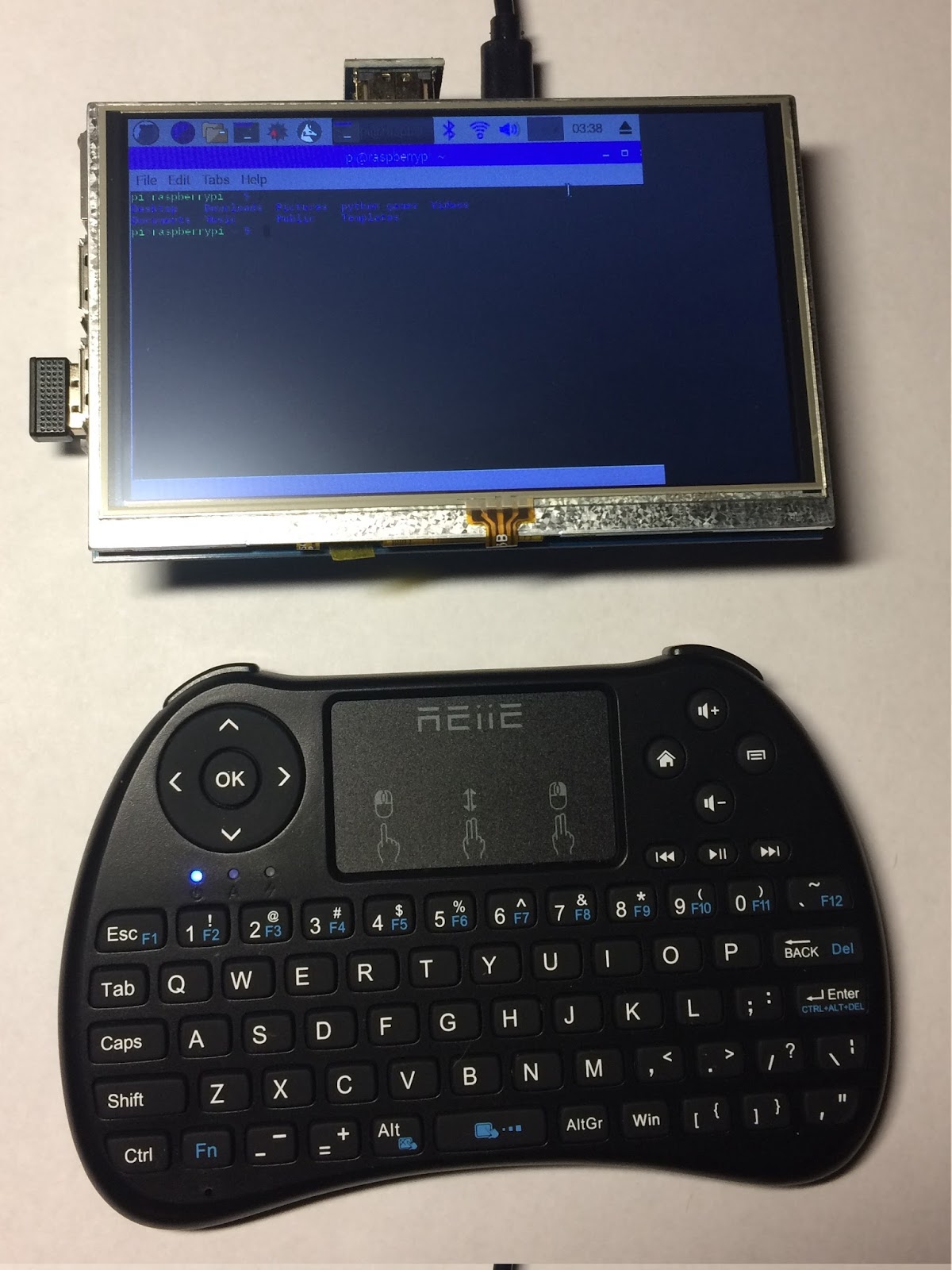
As you can see, the screen is chopped off, on the right side.
I order to remedy this, I added the following to [/boot/config.txt]:
hdmi_group=2
hdmi_mode=87
hdmi_cvt 800 480 60 6 0 0 0
Pi Assembled to Kuman RPI Powerpack:

Utilizing GPIO Extension Board:

This board is where the real fun/experimentation starts. Yes, I like to start small.
Python script to test the LED:
Ended up moving this onto something that was more self contained:


